
What Is Moneris? How It Works for Online and In-Store Payments

Introduction to Moneris
What is Moneris? Moneris is a top payment processor in Canada for merchants that take card and mobile pay. It helps move a payment request from your checkout to an approval result. Then it sends that result back to your store.
What does Moneris do? It runs payment processing for online payments and point of sale (POS) sales. In stores, it supports card and wallet use at payment terminals. Online, it supports payments inside an e-commerce checkout flow.
Moneris supports credit cards, debit cards, and mobile wallets. The exact set depends on your setup and plan. Still, most merchant services need multiple methods to avoid lost sales.

How Moneris Works
How Moneris works is easier to grasp when you map the steps. Your system collects payment info at checkout. Then it sends a payment request to Moneris for handling.
Moneris routes that request through payment paths that decide approval. Those paths include the card networks and the buyer’s bank. Your checkout then receives an approval or a decline result.
This same idea works for online payments and POS payments. The start point changes, but the outcome flow stays similar. That keeps your reporting and customer experience more consistent.
- Online: your checkout sends the request to Moneris through an integration.
- In-store: a payment terminal sends the request through the same processing route.
- Result: your system gets a clear approved or declined response.
Key Features of Moneris
Moneris focuses on merchant services, not just raw authorization. It aims to support day-to-day tasks like reporting and daily checks. That matters when you need clean records for orders.
It also supports payment method choice across channels. Many setups include credit cards, debit cards, and mobile wallets. Token use often helps reduce how much sensitive data you hold on your side.
Integration is a core feature too. Moneris offers ways to connect e-commerce solutions and POS systems. That lets checkout and terminals talk without you rebuilding payment logic.
| Feature | Why a merchant cares |
|---|---|
| Online payments support | Accept card and wallet payments during web checkout. |
| Point of Sale support | Run card and wallet payments at the counter. |
| Reporting and matching | Link payment results to sales and orders for review. |
| Integration options | Connect your checkout system and POS hardware. |

Moneris Transaction Process
Now let’s answer what is moneris transaction. A Moneris transaction is the payment event created during checkout. It is the request and response that leads to approval or decline.
For online payments, the flow starts when a customer clicks pay. Your checkout sends a payment request to Moneris. Then the buyer’s bank checks the account and sets an approval decision.
After that, your site gets the result. It shows success, or it asks for a new try. This is where checkout timing affects conversion.
Punch: Request goes out. Approval comes back. Order stays in sync.
- Checkout capture: the customer picks a payment method and enters details.
- Request sent: your system sends a payment request to Moneris.
- Decision: the network and bank validate the payment.
- Result returned: you get an approved or declined response.
- Later settlement: approved payments move into settlement and reporting.
For in-store payments, the flow is similar. A payment terminal reads the card or wallet. It sends the request to Moneris and gets the result. Your POS then prints or stores the receipt details.

Benefits of Using Moneris
Merchants use Moneris because it covers both online and in-store needs. That can cut work when you sell in multiple places. It also helps keep payment processing rules steady across checkout paths.
Another benefit is speed and stability. A solid integration can keep checkout fast and smooth. Faster checkout often means fewer abandoned carts.
Costs are also a key factor. Payment processing fee structures can change by service type. They can include per-transaction fees, monthly fees, and channel fees.
Punch: Fees vary by setup, not by sales myths.
- Per-use fees: charges tied to each authorization event.
- Monthly fees: fixed costs for your merchant account.
- Channel fees: different costs for online payments and POS devices.
- Feature add-ons: extra charges for support tools or extras.
When you compare plans, ask for a clear breakdown. Separate fees by online payments versus POS payments. Also ask how refunds affect pricing. That helps you estimate true monthly cost.
Moneris Checkout Experience
This is what is moneris checkout looks like from the customer view. It is the moment your customer pays and waits for the result. A good flow shows status quickly and handles declines clearly.
In online checkout, your site sends the payment request and waits. Then it receives the approval or decline response. If approved, your order completes. If declined, your page asks the customer to try again or switch methods.
In stores, checkout happens at the payment terminals. The customer taps, inserts, or swipes. The terminal then confirms the result to the POS for the receipt.
- Quick status: show “processing” and then clear success or failure.
- Next step: offer an alternate method after a decline.
- Clean links: tie each payment result to an order id.
- Safer data handling: avoid storing raw card data in your systems.
You should plan for edge cases. Some payments fail due to bank rules. Others fail because of a weak card read or a wallet token issue. Your checkout should keep the order state intact.
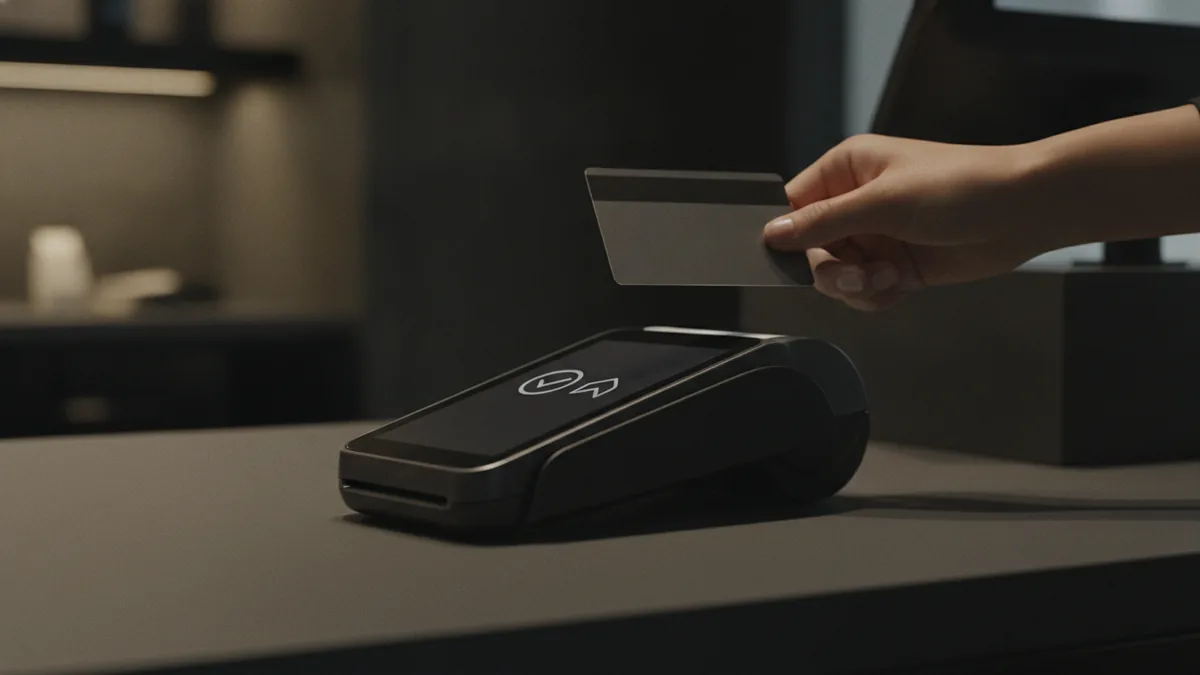
Security features that protect transactions
Transaction security is the foundation for modern merchant services. In strong setups, sensitive data uses secure routes and tokens. That lowers the chance that your site keeps card numbers.
Moneris-based flows often rely on secure handling and controlled storage. You should still confirm your exact setup details with your integration team. Ask how your integration handles card data at each step.
You also want clear fraud and decision behavior. An approval or decline should come from the bank and risk checks. Your team can then log results and spot trends over time.
Tip: Compare fees, integration steps, and security scope for both online payments and POS.
Frequently asked questions
What is Moneris and what does it do?
Moneris is a payment processor in Canada. It helps merchants accept credit cards, debit cards, and mobile wallets for online payments and POS sales.
What is a Moneris transaction?
A Moneris transaction is the payment event created during checkout. It is the request and response that leads to approval or decline.
What is Moneris checkout for online payments?
Moneris checkout is the part of your site flow where the payment request is sent and the result returns. Your store then confirms the order or asks for another payment method.
How does Moneris handle point of sale payments?
At a store, payment terminals capture card or wallet details and send an authorization request through Moneris. The POS system records the result for the receipt and later settlement.
What payment methods does Moneris support?
Moneris commonly supports credit cards, debit cards, and mobile wallet payments. Your exact options depend on your merchant services plan and setup.
What security features does Moneris use to protect transactions?
Moneris setups often use secure routes and token based handling to lower exposure to raw card data. Confirm your exact integration design for safer data flow.
Related Articles
Global Payment Gateways — How to Compare Your Options
Compare global gateways by market reach, payment methods, fees, and fit.

Choose a Payment Processor That Fits Your Small Business
Compare fees, features, and support to find a processor that fits your business.

Understand Recurring Payments — How They Work for Businesses
See how recurring billing works, what it costs, and how to manage its risks.