
Mobile Payment Processing: How Solutions Work and Which to Choose
What mobile payment processing means
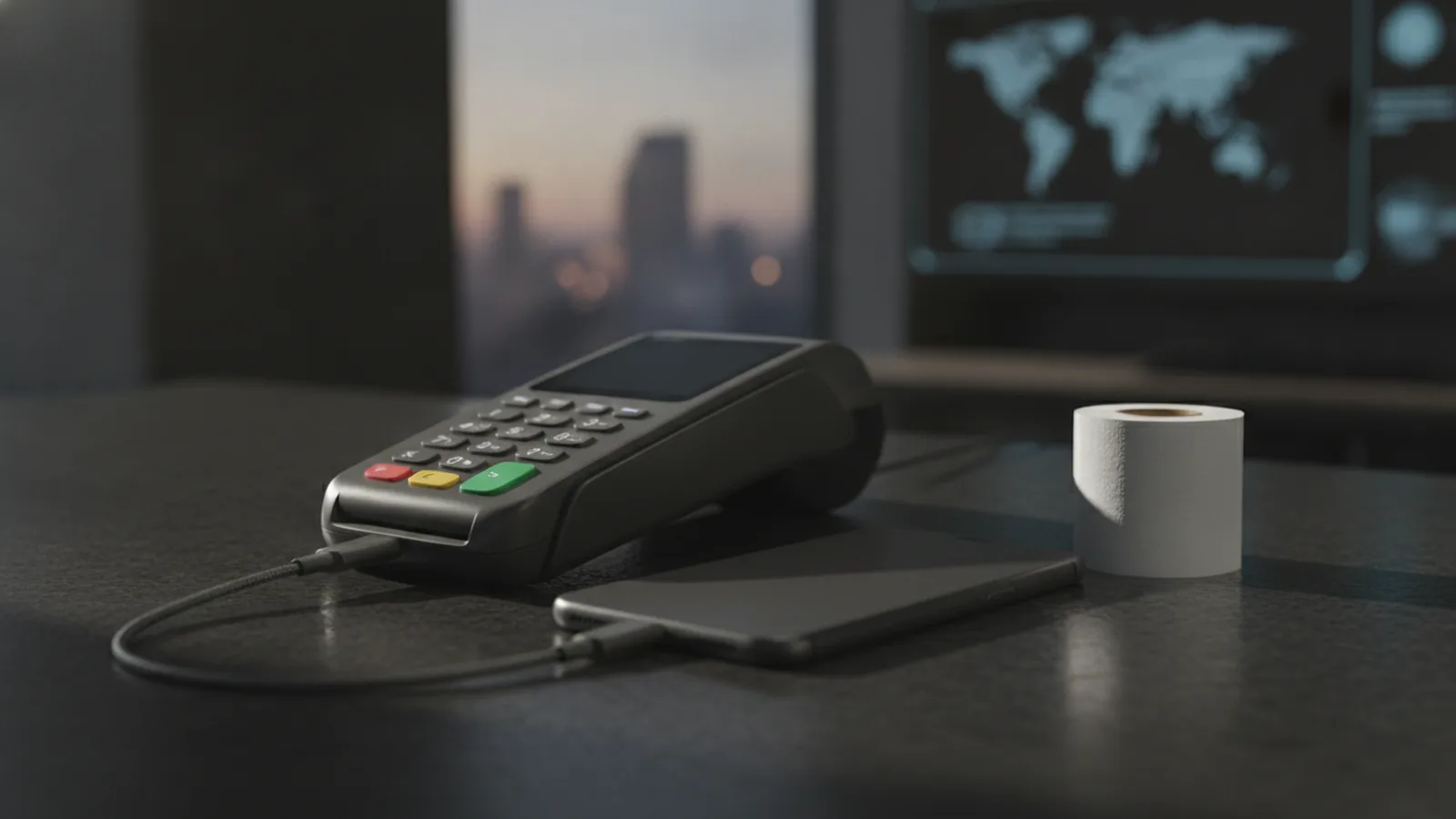
Mobile payment processing lets a business accept payments through a phone, tablet, or portable card reader. It can support cards, mobile wallets, QR codes, and payment links. The best setup depends on where you sell and how customers pay.
A mobile payment service connects the buyer, seller, payment processor, card network, and bank. It checks the payment, moves the funds, and records the sale. Most services also provide a sales app and a small reader.
Mobile payment processing solutions suit shops, market stalls, tradespeople, food trucks, and field teams. They can also add payment tools to a full point of sale system. This gives staff a way to take payments away from a fixed checkout.
- App payments: Customers pay through a payment link, QR code, or mobile wallet.
- Card readers: A phone or tablet connects to a reader for tap, chip, and swipe payments.
- Tap to Pay: A compatible phone accepts contactless cards without extra hardware.
- Mobile POS: A wider system combines payments, stock, receipts, and sales reports.
How a mobile payment moves from tap to deposit
First, the seller enters the sale in an app or POS system. The customer then taps, inserts, swipes, or scans a payment method. The device sends the payment details through a secure connection.
The processor sends an approval request to the card network. The customer’s bank checks the account and returns an approval or decline. This first check often takes only a few seconds.
After approval, the processor groups payments for settlement. The seller’s bank then receives the funds after any stated delay. Settlement times vary by provider, risk checks, account type, and bank.
Mobile wallet payments use a token instead of the full card number. A token is a substitute value that hides the real account details. The device may also require a fingerprint, face scan, or passcode.
Some services support offline payment processing. The device stores approved payment data until it reconnects. This helps at fairs or remote sites, but it adds risk if a payment later fails.
Why businesses use mobile payment solutions

The main benefit is freedom from a fixed till. Staff can take payment at a table, curb, job site, or event. Shorter lines can also help a busy team serve more buyers.
Mobile payments feel quick for customers. Contactless cards and mobile wallets often finish with one tap. Digital receipts also remove the need for paper rolls and manual filing.
Security can improve when a business stops handling card numbers. Token tools keep the real card number away from the seller’s device. Strong sign-in controls can protect the account from unwanted access.
Mobile systems may cost less than a large checkout setup. Many providers offer free apps and charge per payment instead. Hardware costs still matter, especially for several staff or checkout points.
Sales data is another useful gain. A business can view daily sales, refunds, tips, and product totals in one place. Some systems link these reports with stock tools and accounting software.
- Take payments wherever the sale happens
- Accept cards and mobile wallets with one device
- Send digital receipts by email or message
- Track sales, refunds, tips, and staff use
- Start with less hardware than a fixed checkout
Popular mobile payment processors compared
Square, PayPal, Helcim, and Clover are well-known choices. They serve different business sizes and selling styles. No single provider is the best mobile payment processor for every firm.
| Provider | Best fit | Key strengths | Watch for |
|---|---|---|---|
| Square | Small shops and sellers | Simple setup, broad POS tools, portable readers | Per-sale rates and paid add-ons |
| PayPal | Online and in-person sellers | Strong wallet reach, payment links, broad online tools | Rates and features vary by payment type |
| Helcim | Growing firms with steady volume | Interchange-plus pricing, invoicing, and POS tools | May need more setup than a basic app |
| Clover | Businesses wanting a full POS | Rich hardware, apps, staff tools, and reports | Costs can vary by seller and sales partner |
Square is often a strong first step for a small seller. Its app and reader can cover basic sales with little setup. It also offers tools for receipts, tips, refunds, and stock.
PayPal works well when a business already sells online. Its wallet can help reach buyers who keep funds there. Sellers should compare its rates across cards, wallets, links, and cross-border payments.
Helcim may suit firms that want clearer cost detail at higher volume. Interchange-plus pricing shows the card cost and provider markup separately. Clover offers a wider POS range, but the final cost depends on hardware, apps, and contract terms.
Features that matter in mobile payment services
Start with payment coverage. The processor should accept the card types and wallets your buyers use. Check tap, chip, swipe, QR, and payment link support before you sign up.
Then review the hardware. A good reader should support contactless and chip cards. It should pair well with your phone or tablet and last through a full work shift.
Pricing needs more than one headline rate. Check the per-payment fee, monthly cost, reader price, refund rules, and chargeback fees. Ask if the provider adds fees for instant payouts or cross-border sales.
Security controls should be easy to use. Look for token use, device locks, account alerts, and staff permissions. Providers should also explain how they protect stored data.
Offline use can help mobile sellers, but ask how it works. Find out the storage limit, time limit, and seller liability. A failed stored payment may leave the business without the sale value.
- Card and wallet support in your target market
- Clear pricing for sales, refunds, and payouts
- Reliable readers with contactless support
- Links to accounting, stock, and booking tools
- Staff roles, sales reports, and receipt options
- Support hours that match your trading hours
Security steps for mobile transactions
Secure mobile payments use several layers at once. The device should use a lock screen and current software. Staff should never share account passwords or leave a signed-in device unattended.
Tokenization replaces the card number with a short-lived value. Encryption protects data while it travels between devices and payment firms. These tools lower exposure, but they do not remove every risk.
Use a trusted network when possible. Avoid unknown public Wi-Fi for payment work. A private mobile connection can reduce the chance of a bad network intercepting traffic.
Choose providers that follow payment card security rules. The PCI Security Standards Council’s mobile payment guidance covers risks in mobile acceptance. Review the provider’s security page and breach response plan before launch.
Train staff to spot fake refunds, odd links, and account takeover attempts. Set alerts for large refunds and new devices. Keep a simple log for lost readers, staff changes, and suspected fraud.
How to choose the right processor
Choose based on your sales path, not a popular brand name. A market seller may need one reader and fast payouts. A shop may need stock, staff roles, and a full POS.
List your monthly sales and average sale value. Then test each provider’s fee model against those figures. A low rate may not win once monthly fees and add-ons enter the total.
- List every payment type your customers use.
- Estimate monthly sales and payment volume.
- Compare fees, payouts, refunds, and contract terms.
- Check device support, offline use, and network needs.
- Test reports, support, and the checkout flow.
- Start with a small pilot before a full rollout.
Ask for a written price sheet before you commit. Confirm who handles disputes and how long funds may be held. Also check whether you can export your sales data if you switch.
The best mobile payment processing setup is simple for staff and clear for owners. It should reduce checkout work without hiding the true cost. Run a short trial during normal trading hours.
Where mobile payment processing is heading
Tap to Pay will likely make phones more useful as card readers. This can reduce the need for spare hardware at small sites. It may also help firms add temporary checkout points during busy periods.
Mobile wallets will keep shaping the checkout. Buyers want speed, saved cards, rewards, and proof of payment in one place. Sellers will need wallet support without losing clear sales data.
More processors will link payments with stock, orders, and customer records. Better links can cut manual work after each sale. They can also help firms spot slow products and peak sales times.
Offline tools may improve for remote work and travel sales. Providers will still need strong checks before storing payment data. Convenience must not come at the cost of weak fraud controls.
For most businesses, the right choice starts with fit. Compare payment types, total fees, hardware, security, and support. Then choose the mobile payment processor that works in your real sales setting.
Frequently asked questions
What is mobile payment processing?
Mobile payment processing lets a business accept cards, wallets, and other payments through a phone, tablet, or portable reader. The processor checks the payment and sends funds to the business bank account.
What is the best mobile payment processor for a small business?
Square is often a good fit for small sellers. Helcim may suit firms that want interchange-plus pricing, while Clover suits businesses needing a wider POS system.
How much do mobile payment services cost?
Mobile payment providers may charge per-sale fees, monthly fees, hardware costs, refund fees, and payout fees. Compare the full cost against your sales volume.
Are mobile payments secure?
Most mobile payment systems use tokenization, encryption, device locks, and account controls. Businesses should also use current software and train staff to spot fraud.
What equipment is needed for mobile payment processing?
A business needs a phone or tablet, a payment app, and sometimes a card reader. It also needs a provider account and a bank account for payouts.
Can mobile payment processing work without internet?
Offline processing stores payment data until the device reconnects. It can help at remote sites, but the seller may face a failed payment later.
Related Articles

Choose a Crypto Payment Gateway That Fits Your Business
Compare crypto gateways by fees, coins, security, and ease of use.

International Online Payments — Methods, Costs, and Safer Transfers
Compare global payment methods, gateway fees, risks, and safer ways to pay.

Payment Processing Systems — How to Choose the Right Fit
Compare payment systems and choose the right fit for your business.